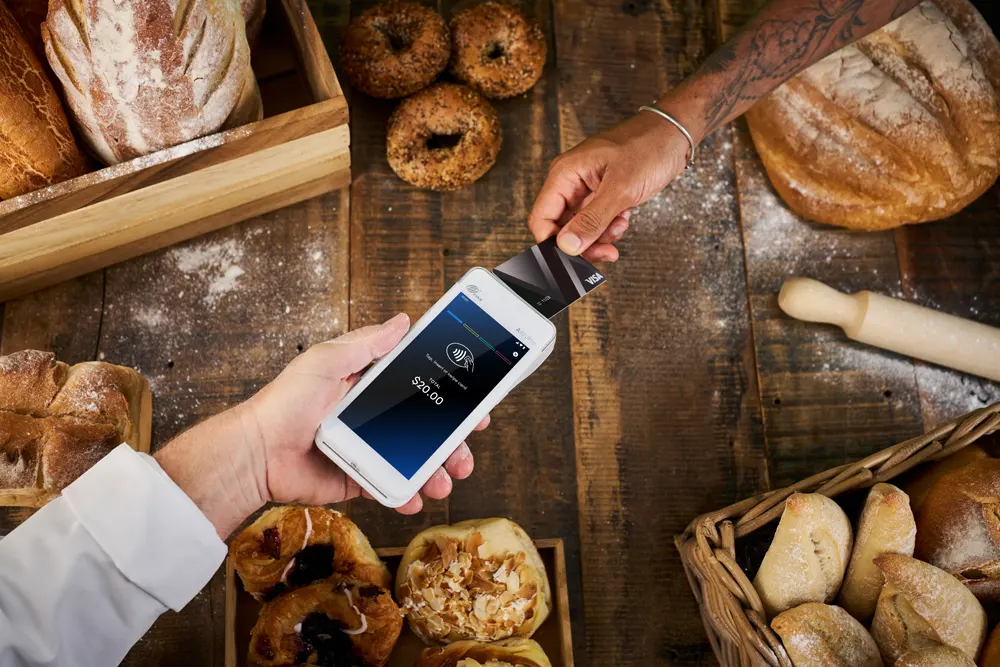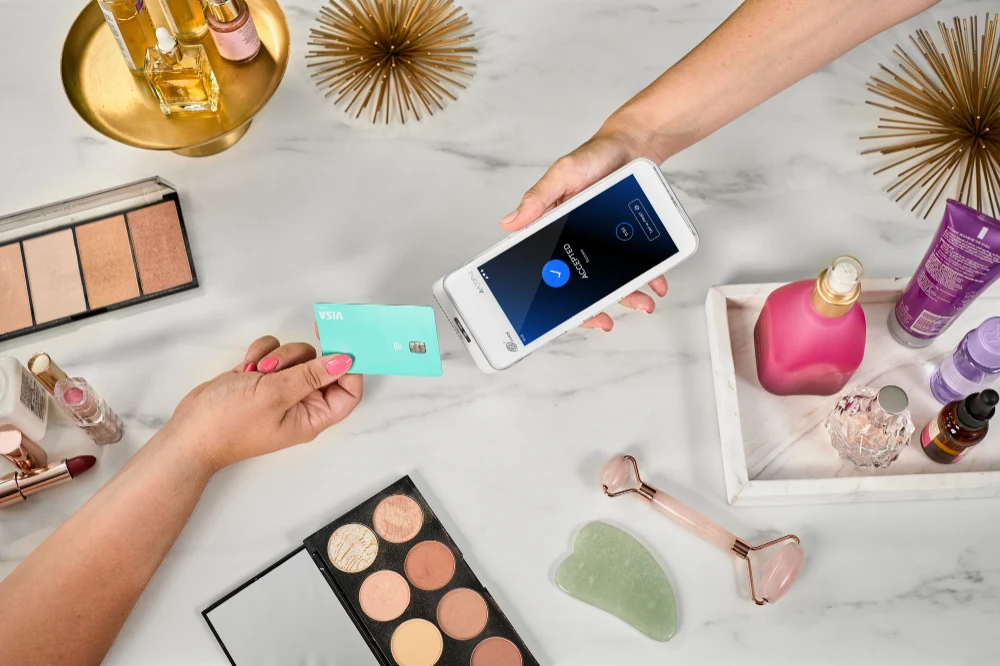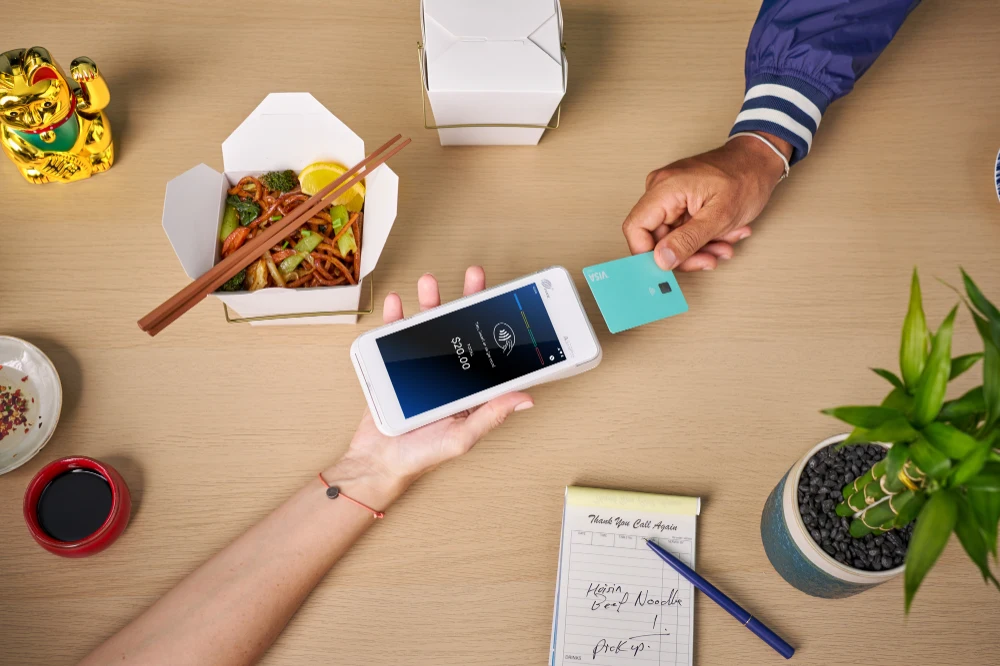
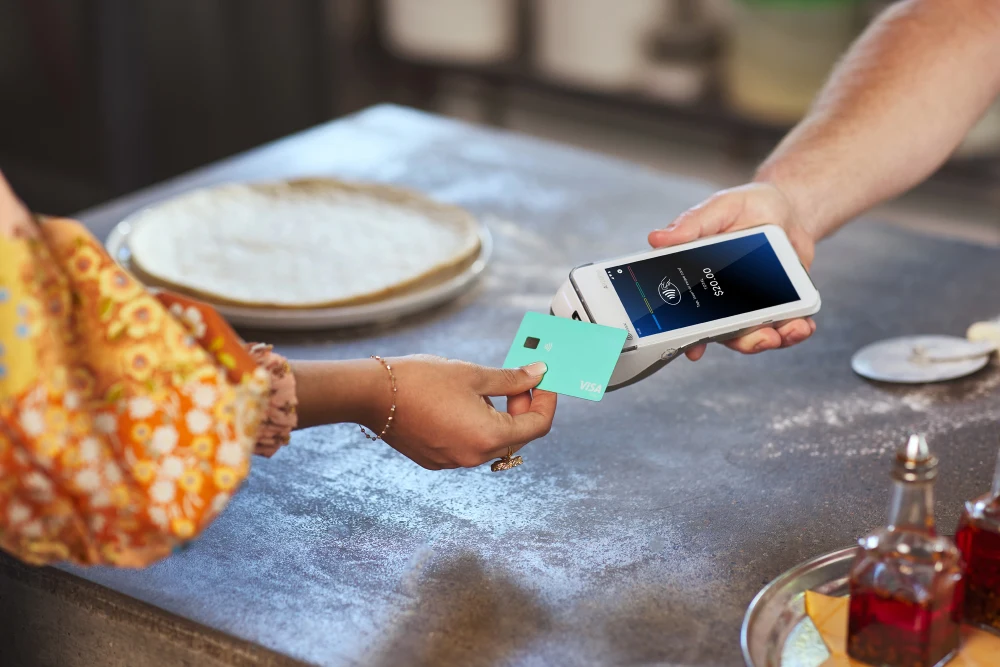
Fast, secure, and convenient, contactless payments like payWave are rapidly becoming the norm in New Zealand. In fact, 88% of Kiwis are now using contactless payments. And as contactless technology advances, this trend is only set to rise!
But what is payWave? How does it work? What can it look like in practice, and is it right for your business?
In this guide, we will cover all the basics to help you nail payWave in New Zealand:
- What is payWave?
- How Does payWave Work?
- What is the payWave Limit in NZ?
- What are the payWave Fees for Businesses?
- Understanding payWave Surcharge
- How Your Business Can Tap Into payWave
- Does Your EFTPOS Machine accept payWave?
- Benefits of payWave
- How Safe are Contactless Payments?
payWave—simple, seamless payments with a wave of your hand. Now that’s good business.
Key Takeaways
- payWave is Visa’s contactless “tap-and-go” payment, and the everyday Kiwi term for contactless payments.
- Customers just tap a card or phone; no PIN is required for purchases under $NZ200 (a PIN is required for purchases above the limit).
- Businesses pay a small Merchant Service Fee (MSF) to accept payWave, the exact rate depends on your provider.
- You can set up surcharging to pass on the cost of acceptance, but check the current NZ surcharge rules first.
- Any contactless-enabled terminal accepts payWave, and all Shift4 terminals have it built in.
What is payWave?
payWave in New Zealand is a type of contactless payment or card “scheme” facilitated by Visa. It’s also often the colloquial term for “contactless payments” in New Zealand.
This is a secure way for customers to buy products or services using a credit/debit card or a mobile device, such as a smartphone or smartwatch.
No need to insert or swipe cards, sign receipts, or push buttons. For purchases under $NZ200, you don’t even need to enter a PIN! Simply wave a contactless card or device in front of the secure reader at checkout to pay.
Identify the payWave symbol by the wave-like image on the front of a card or terminal:

“payWave” is a trademark of Visa, while “contactless” is a general term for the function.
How Does payWave Work?
payWave works its magic using NFC (Near Field Communication) technology. In non-techie speak, NFC lets two devices near each other securely connect and exchange information without physical contact.
For contactless payments, NFC allows your terminal and a customer’s card or device (such as an Apple Watch) to ‘talk’ to each other.
From a customer perspective:
Simply wave your contactless card or device within 40mm of the contactless card reader to make a purchase.
Then, an embedded computer chip in the payWave-enabled card sends information to a secure reader at the Point of Sale.
The devices swap payment details and voila! The customer sends funds, and your business and bank process the payment in seconds, resulting in a successful transaction.
From a business perspective:
Behind the scenes, contactless transactions like payWave work differently from EFTPOS because they are processed through card schemes such as Visa and Mastercard. Visa facilitates payWave.
Data ping-pongs among the card issuer (typically your customer’s bank), the card scheme (Visa, Mastercard, Amex, etc.), and the acquirer so that the funds can be correctly transferred to your account.
Your terminal then identifies this type of transaction and communicates with your bank, letting you and your customer know whether the transaction has been accepted.
payWave vs Other Contactless Payments
While payWave is Visa’s brand name for contactless payments, New Zealanders have other contactless options for other cards. Mastercard has Mastercard Contactless, and Amex has ExpressPay.
Additionally, Apple Pay, Google Pay, and Samsung Pay have wallet functions, and contactless EFTPOS is available.
| Payment Method | Network | Surcharge |
| payWave | Visa | Yes |
| Mastercard Contactless | Mastercard | Yes |
| ExpressPay | American Express | Yes |
| Apple / Google / Samsung Pay (mobile wallet via smartphone or watch) | Visa or Mastercard | Yes |
For more information, see how EFTPOS works here.
What is the payWave Limit in NZ?
In New Zealand, the current payWave limit is $NZ200 for transactions without the need for a PIN.
You can save time on purchases of $200 or less with Visa payWave (transaction limits may vary for overseas merchants). No need to swipe, insert, sign, or enter a PIN, how easy!
The $NZ200 limit is intended to help protect against fraud from card theft. This limit applies to each transaction and is not a per-day limit.
For purchases over $200, your terminal will prompt customers to enter their PIN to complete the transaction. This transaction is still processed as a contactless payment from a merchant perspective.
What are the payWave Fees for Businesses?
Keen to accept payWave in NZ?
Currently, payWave fees typically range from 0.5%–2%+, depending on the provider, and whether they offer blended, interchange plus, or fixed rates.
Card schemes like Visa provide service and security measures, including added protection against fraud and loss.
As a result, payWave incurs an additional per-transaction cost, called an MSF (Merchant Service Fee), which allows you to accept and process contactless payments. This is paid by you, the merchant, to your acquirer, which is often a bank in New Zealand (but if you’re a Shift4 Low Cost Tap & Pay customer, that’s us!).
The exact dollar amount for your fees largely depends on the rate locked in with your acquirer i.e. your MSF rate. This rate is based on:
- The nature of your business
- Volume of transactions
- Types of cards processed
For example, a souvenir shop accepting international cards from tourists can vary a lot from a busy cafe accepting contactless payments from office crowds grabbing a quick coffee.
Banks and payment providers generally price their merchant service fees as follows:
| Pricing Model | How It Works | Best For |
| Blended rate | One flat % across all card types | Simple, predictable billing |
| Interchange-plus | Interchange cost + provider margin | Transparency; potentially lower for debit-heavy businesses |
| Fixed/flat rate | Set $ or % per transaction regardless of card type | Low-volume or mobile businesses |
These rates consist of “interchange fees” and “acquiring fees.” These fees cover services including handling costs and risks associated with processing payments e.g. fraudulent transactions and bad debt.
Get in touch with your acquirer to confirm the exact rate for your unique business. This will paint a clearer picture of your payment solution and help fine-tune your setup.
Understanding payWave Surcharge
As of May 2026, merchants can add a surcharge to payWave and other contactless transactions to cover the cost of acceptance. However, these regulations are currently under consideration with the New Zealand government, and potential changes could occur to this in the future. For the latest news, see the Commerce Commission’s surcharging guidelines.
A surcharge is a small fee that a merchant may legally add to a payment transaction to cover the cost of accepting it. This is simply done by setting up the surcharging feature on your terminal with your provider. Once set up, your terminal will pass on the applicable fee to the customer.
Alongside Shift4 Low Cost Tap & Pay, savings are even easier to unlock. We offer a competitively low rate for Visa & Mastercard contactless credit and debit transactions, plus free terminal rental (minimum turnover and T&Cs apply), so your business is set up to save without surcharging! And if you’d still like to surcharge, we can offer that functionality to share the cost of acceptance with your customers. Either way, more business savings to put back into your pocket!
In practice, to apply a surcharge, enter the transaction amount into the terminal as usual. When the customer taps their card or device, the terminal automatically applies the contactless surcharge. It’s easy and hassle-free, no need to manually calculate the amount for each transaction when your terminal can do the heavy lifting for you!
How Your Business Can Tap Into payWave
With the rise in popularity of contactless technology, 88% of Kiwis are now choosing to pay with a tap of their card, smartphone, or smartwatch.
According to an RBNZ survey, cash use has dropped to 57.2% of everyday purchases, down from 95.8% in 2019, with only 8% of New Zealanders being regular/daily cash users. That leaves a lot of people reaching for their card to tap and go.
Customers are more likely to return when you accommodate preferences. And this is how customers want to pay! Future-proof your business by offering payment methods your customers prefer, such as Visa payWave!
Does Your EFTPOS Machine Accept payWave?
Setting up payWave for your business is relatively simple. Your existing terminal may already have this functionality.
Firstly, contactless-enabled EFTPOS machines (such as our Shift4 Android terminal) will have an NFC reader that accepts contactless payments such as payWave.
Check whether your payment terminal is set up to accept contactless payments by:
- Looking for the payWave contactless symbol on the terminal
- Checking directly with your terminal provider
Next, reach out to your acquirer to enable contactless payments. Once activated, you’re all set to go. Here’s a handy tip to keep in mind when activating contactless payments: Negotiate a good MSF (Merchant Service Fee) rate with your acquirer. Always ask if they can offer a better deal!
If you’re already a Shift4 customer, great news. All Shift4 terminals are enabled with built-in contactless functionality.
Benefits of payWave—Seamless Payments You Can Count On
payWave gives businesses the upper hand with multiple benefits that go beyond simple, seamless payments. From shorter lines to quicker payments, stay ahead of the curve with payWave today.
Contactless Convenience
Reduce time spent on operating card machines or counting cash with a simple wave of your customer’s hand. No awkward moments fiddling with money or fussy devices when payWave is on your team.
Streamline Efficiency
With payWave contactless transactions, you can offer a smoother checkout experience and get those lines moving quicker! From your staff to customers, it’s a win-win all around, especially during busy periods.
Enhance Security
Offer customers invaluable peace of mind with the security of contactless payments. Multi-layered encryption prevents unintentional payments and fraudulent transactions.
Elevate Customer Experience
To take customer experience to the next level, make checkout smooth, quick, and painless. Contactless payments are fast becoming the go-to payment solution in New Zealand. Don’t get stuck behind!
How Safe are Contactless Payments?
Boasting multiple layers of built-in security and encryption technology, you’re in safe hands with contactless payments!
These measures ensure both customer and merchant details are kept secure, whether from an unintentional payment or attempted security breach.
Contactless payment technology protects customers and merchants because it:
- Features built-in encryption: Offers built-in security features that older cards don’t have.
- Encryption: Contactless payments send encrypted data, meaning only authorised parties can see the information. Transactions use unique codes that minimise the risk of fraud by making data difficult to intercept or reuse.
- Less vulnerable to card skimming: Contactless cards never leave your customer’s hand!
- Designed for close proximity only: Makes it incredibly difficult for thieves to scan the card while the terminal reads it.
- Requires PIN for purchases over NZ$200: Adds an extra layer of protection against theft.
- Offers Zero Liability Fraud Protection: Covers both merchants and cardholders for any unauthorised transactions.
So—what are you waiting for? Explore contactless payments for your business today!