
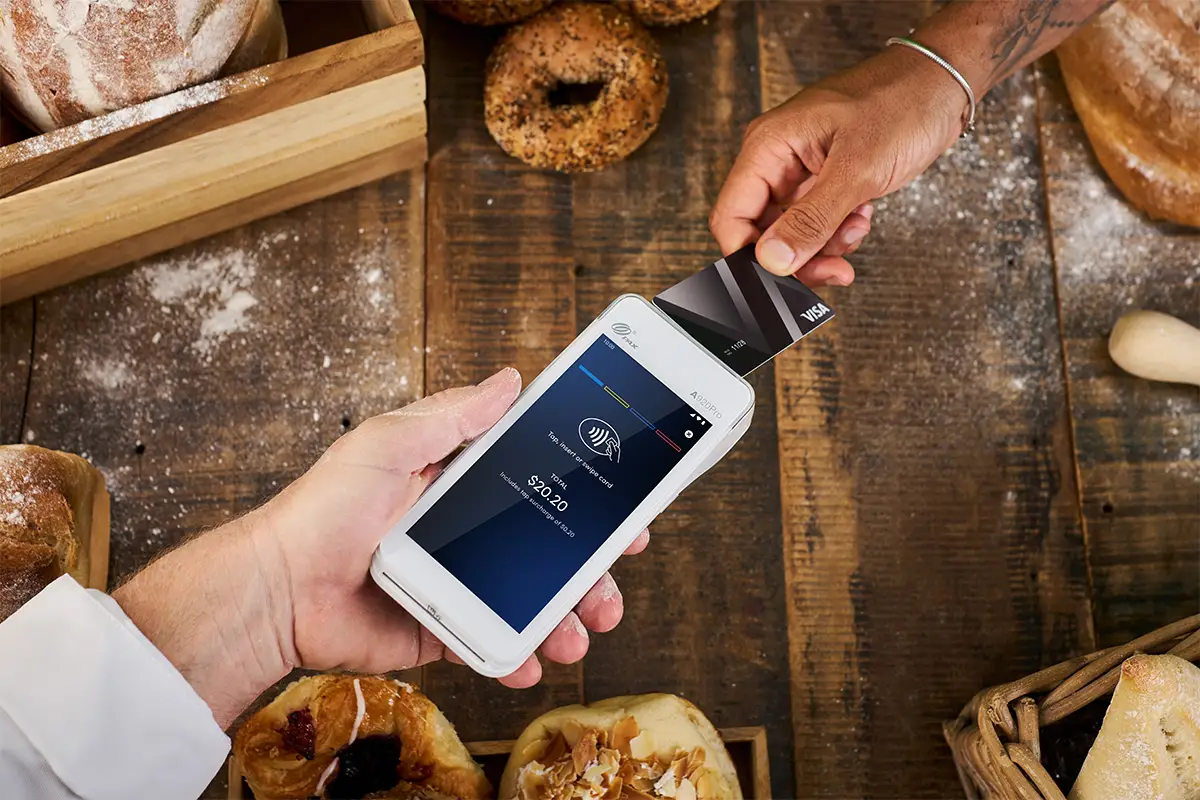
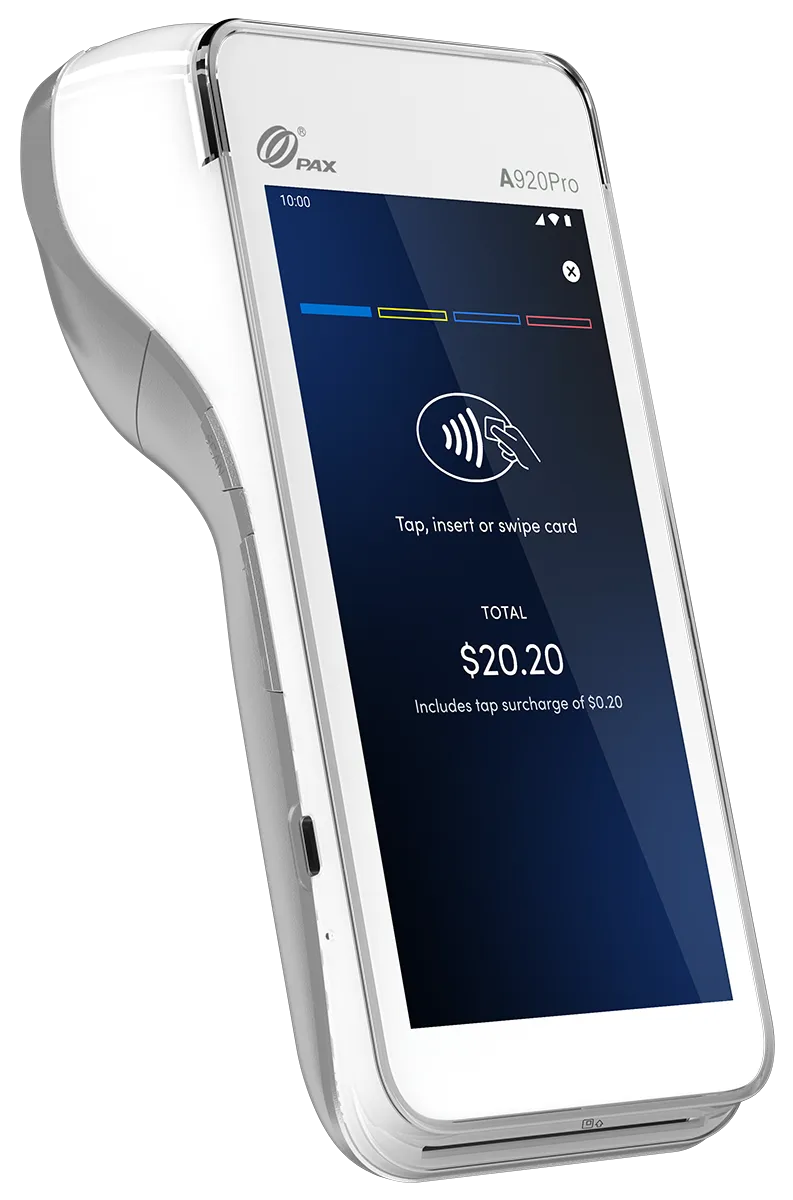
Save on Fees, Boost Your Business! EFTPOS Surcharging in NZ

Choose flexible “Low Fees” or “No Fees” plans on modern Android terminals for payWave and EFTPOS. Automated "on-the-fly" surcharge with $0 rental and total fee flexibility.*

Low Fees

Flat-rate absorption

No Fees

Automated surcharging

What is Surcharging?

A surcharge is a small, transparent fee added to a transaction to cover the merchant service fees (MSF) associated with card payments. It’s a little helper on your EFTPOS machine that balances out fees for those payment options.

Card processing carries a fee. With Shift4, you decide: absorb it effortlessly on our flat-rate Low Fees plan, or eliminate it completely with No Fees surcharging.

One terminal, total flexibility.

Is There a Surcharge Ban in NZ?

As of today, surcharging remains fully legal across New Zealand. 

With Shift4, you can take advantage of our “No Fees” plan and never have to worry about compliance, tallying costs or manually applying surcharges again. It’s all taken care of for you.
Choose Your Model: Low Fees or No Fees

Whether you want to absorb card processing costs or share via surcharging customers, Shift4 gives you the flexibility to choose the option that best suits your business. 

Absorb Costs

Prefer no surcharges?
Select our flat-rate Low Fees option.

Pass On Fees

Want $0 monthly processing bills? Enable automated surcharging.
Both your choices include a free Android Low-Cost Tap & Pay terminal rental, subject to meeting the minimum turnover requirements.
Do You Want to Surcharge?
Best for businesses wanting to keep pricing simple and avoid surcharging.
Best for businesses that want to minimise payment processing costs by sharing with customers
How Surcharging Works
You pay a low, predictable transaction fee, with no surcharge added to customer purchases.
"On-the-fly" surcharge automatically calculates and applies the fee to credit and contactless payments.
How the Payment Works
Customers tap, insert, or swipe any card with no added fees.
Customers can choose to tap/use credit cards and pay the surcharge, or insert/swipe physical cards to pay no surcharge.
How Settlement Works
Shift4 settles your total daily card transactions directly into your bank account.
Shift4 retains the surcharge amount and settles 100% of your original sale amount into your bank account.
How Billing Works
You receive a single, low, predictable bill from Shift4.
You receive a $0 monthly bill from Shift4.
Terminal Rental
Includes free Android terminal rental, subject to minimum turnover requirements 

Understanding the Settlement Difference Processing a $100 Sale

The “Low Fees” Option

You get $100 the next day. Shift4 bills you for your total transaction fees at your single low rate at the end of the month.

The “No Fees” Option

The customer pays $101 (with a $1 surcharge applied automatically). Shift4 retains the $1 and deposits exactly $100 into your bank account. Your monthly transaction bill is $0.

Low Cost Tap & Pay Customers Also Enjoy

Tap, Insert, or Swipe
Accept EFTPOS, debit, credit, and contactless payments.
7-Day Bank Settlements
Get paid into your business bank of choice, 7 days a week.
Always Connected
Multi-network SIM with automatic Wi-Fi back-up.
Shift4 Business Hub
Free access to view your transactions, payouts, and analytics.
Worldline Connectivity
Seamless connection to NZ’s largest payment network^.
Add-On Ready
Easily accept AMEX & Afterpay with your existing accounts.
Speedy Delivery
Simple plug-and-play setup right out of the box to get you trading fast.

How Surcharging Works on Your Shift4 Android Terminal

Pre-Configured & Ready to Go

With a low, single pre-configured rate applied automatically across card types, no extra admin required!

Automated Calculation

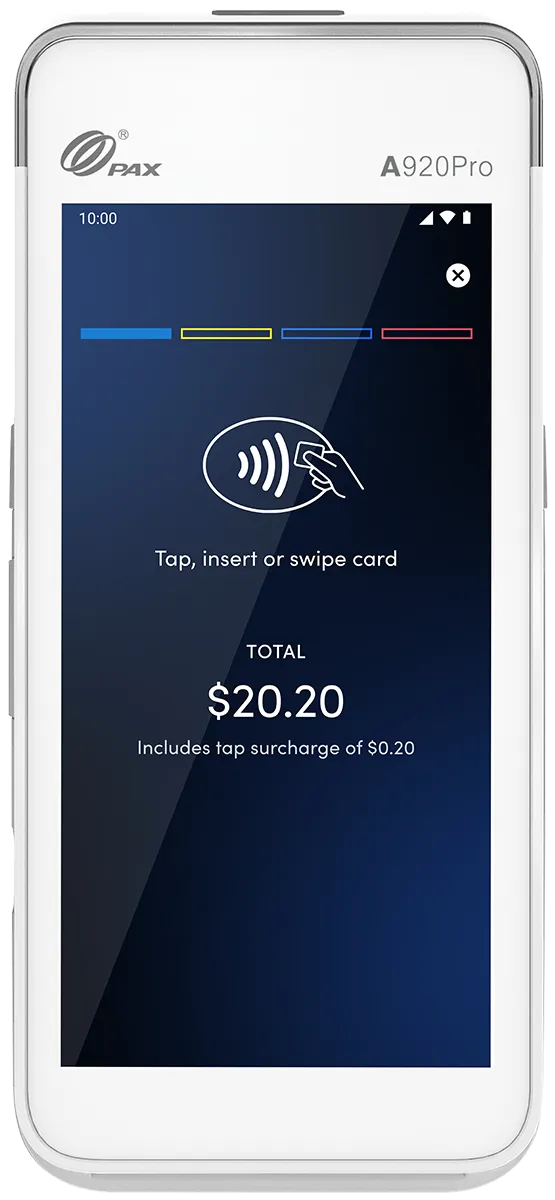
Goodbye guesswork! Your terminal automatically calculates and applies the surcharge to eligible credit and contactless payments.

Clear & Transparent

The exact surcharge amount is clearly displayed on the bright touchscreen and payment receipt. Easy peasy.

Seamless POS Integration

Easily integrate surcharging with compatible POS systems for a unified, hassle-free experience.

Surcharge Guidelines in NZ Staying Compliant & Fair

Navigating surcharging rules in New Zealand? We keep your merchant obligations simple. Governed by the Retail Payment System Act 2022 and overseen by the Commerce Commission, these rules ensure surcharging is clear and fair for both businesses and consumers.

Key Surcharge Compliance Rules at a Glance

When Can You Surcharge?

You can only surcharge payment methods that incur processing costs (MSF) for your business—such as credit cards and contactless payments (payWave, Apple Pay, Google Pay). You cannot surcharge cash or physical EFTPOS/debit card insert or swipe transactions.

Setting Your Surcharge Amount

Surcharges must be reasonable and cover only your actual cost of acceptance. Shift4 pre-configures your terminal with your exact rate, so you stay 100% compliant.

Single-Transaction Collection

The surcharge must process automatically inside the main transaction—never collected separately or in cash. Our Android terminals handle this on the fly.

Itemised Receipts

The fee must be clearly itemised on the customer's purchase record. Shift4 Android terminals automatically print receipts showing the exact surcharge breakdown.

Clear Point-of-Sale Signage

Be upfront! Display clear signage at your counter so customers know a surcharge applies before they tap, giving them the freedom to choose how they pay.

Why Kiwi Businesses Trust Shift4 for Surcharging

Shift4 is New Zealand’s only payment provider offering a fully compliant surcharging solution paired with ultra-low rates. We take the guesswork out of compliance—making transaction fees completely transparent, fair, and simple for both you and your customers to understand. Plus with our surcharging solution, you can bring your payment solution costs to $0.

Downloadable Surcharge Sign

Need to keep your customers in the loop? We've got you covered with customisable signage for your premises. Download our surcharge signage with just a click.

Unlock Sweet Savings with Surcharging on Your Android EFTPOS Machine

Goodbye High Fees. Hello ZERO fees

Surcharge transaction costs and get full sale amounts settled daily. Wipe out processing bills entirely.

Let Your Terminal Do the Work

Auto-applies your preset surcharge on contactless and credit cards. Zero manual math required.

Give Customers Flexibility to Pay

Accept credit cards, payWave, Apple Pay, and Google Pay. Let your customers pay their way.

Pay NOTHING in Merchant Fees & Rental!

Combine $0 surcharging with free Android hardware rental* for maximum savings.

Transparent, Simple and Fair Payments

Upfront fees show on-screen, or customers can insert/swipe physical cards to bypass. Win-win!

Compliant, Secure and Crystal Clear

The only fully compliant surcharging solution in the NZ market today! Transparent rates, full settlements, zero confusion.

Surcharging FAQs

Under Commerce Commission guidelines, a surcharge must only cover a business’s actual cost of card acceptance. While average benchmark rates in New Zealand generally sit under 1% for contactless debit (payWave) and 1.5% to 2% for credit cards, your specific rate depends on your merchant facility. Shift4 configures your terminal to apply your exact cost of acceptance so you stay fully compliant.

Our Android Low Cost Tap & Pay terminals do the math for you! They automatically apply your pre-programmed rate to eligible contactless and credit card transactions. The customer views the fee on the touchscreen, accepts it, and completes the payment. Check out our guide on how surcharging works on your Android terminal for full technical steps.

Yes! To comply with NZ guidelines, businesses must offer a surcharge-free payment method. Customers can skip paying a surcharge by inserting or swiping a physical debit/EFTPOS card and selecting CHQ or SAV. Learn more about how customers can bypass the surcharge on our terminal.

Absolutely. You can add a surcharge specifically for contactless NFC payments, covering tap payments made via physical cards, smartphones, Apple Pay, Google Pay, and smartwatches.

You can surcharge credit card payments made via Visa, Mastercard, UnionPay, AMEX, Diners, and JCB. If a customer inserts or swipes a credit card and selects "Credit", your preset rate applies. For contactless payments, surcharging applies to any NFC-enabled card or device.

Yes. You can pull and print surcharge reports directly from your Shift4 Android terminal or log into the Shift4 Business Hub to view daily, weekly, or monthly breakdowns. Our system logs credit card insert/swipe and contactless surcharges separately for seamless bookkeeping.

From zero monthly terminal rental* to 7-day settlements and 24/7 local Kiwi support, read why businesses choose Shift4 for a smarter, simpler payment solution.

Save Time and Money with Shift4!

Every day, our Kiwi Payment Specialists help businesses like yours switch to a payment solution tailored to their business. Let’s chat about your payment needs today.
© 2026 Smartpay Limited (NZBN 9429032012644), trading as Shift4
Terms & Conditions Privacy Policy